What do I set as the orientation in Quick Roof?
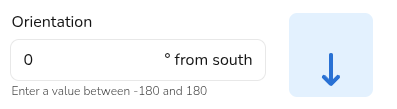
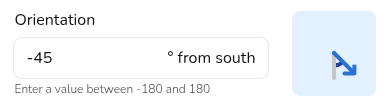
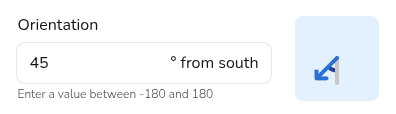
For Quick Roof projects, you have to directly set the orientation rather than it being calculated based on the satellite map. This is done in degrees from south, going clockwise.
For example:
|
|
|
|
|
|
For Quick Roof projects, you have to directly set the orientation rather than it being calculated based on the satellite map. This is done in degrees from south, going clockwise.
For example:
|
|
|
|
|
|