
How can I model an east-west panel layout?
To model an east-west panel layout, create a flat roof or ground mount area in any design mode.
In the panels task follow these steps:
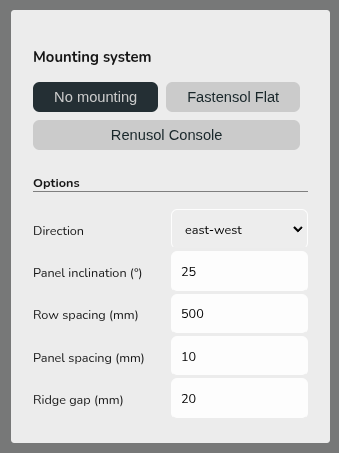
- Add panels to the roof/area and then select 'No mounting'
- Set the direction to east-west and configure the spacing as needed
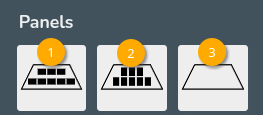
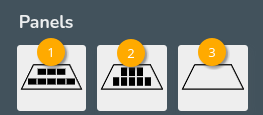
- Select option 1 to fill the roof/area with portrait panels, option 2 to fill the roof with landscape panels and 3 to clear the roof
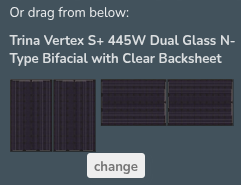
Or drag and drop portrait (right) or landscape (left) panels to build panel layout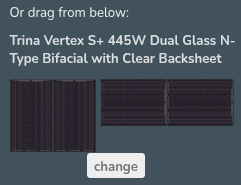
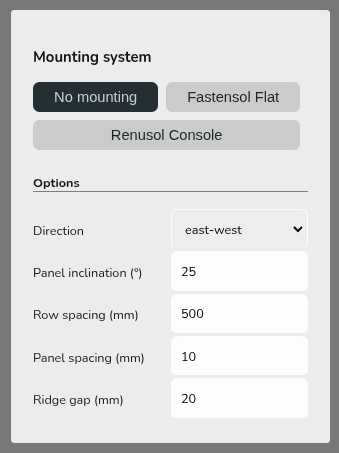
This will not spec the mounting components but will mean the pitch and orientation of the panels is correctly modelled in performance calculations. Get in touch with Midsummer (UK) / (IE) for guidance on mounting components.