
How can I remove VAT from the cost on the proposal?
You can do so by following these steps:
- Navigate to the Financial task
- Click the pen in the top right corner
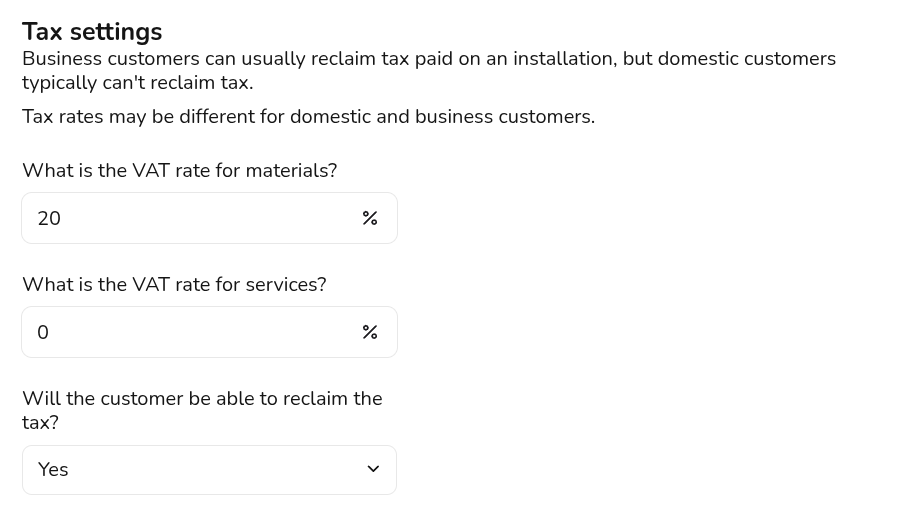
- Then under Tax settings select 'Yes' under 'Will the customer be able to reclaim the tax?'
The cover page cost will then display excl. VAT. The quote total will still display inclusive of VAT.