
Panels task
Once your roofs have been created and selected, the next step is to add panels to them.
Choosing your panel
Mentionyou open the panels task, you'll be prompted to select a panel to use. Select from the manufacturers on the left and then from the individual panels. If you have custom panels these will also display here.Once selected, you can see Midsummer
stock, pricingstock andlinkprice information Custom(forpanelspre-set
When
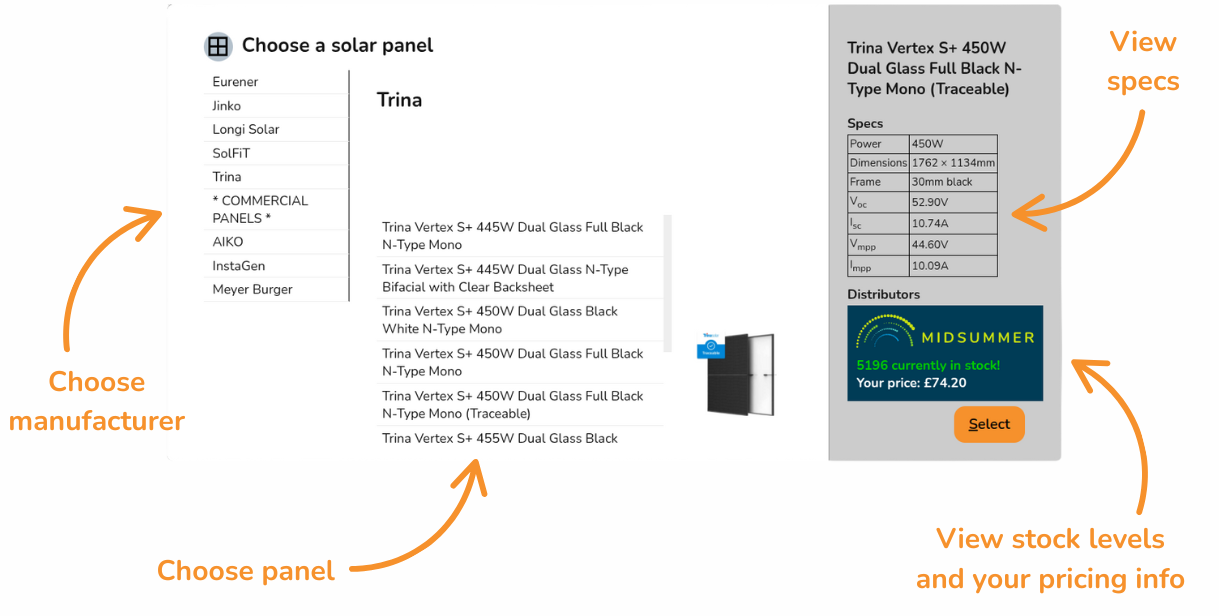
Connect your Midsummer Wholesale account for accurate pricing. Not registered? Sign up here.
Creating panel layout
There are various ways to add panels to a roof:
|
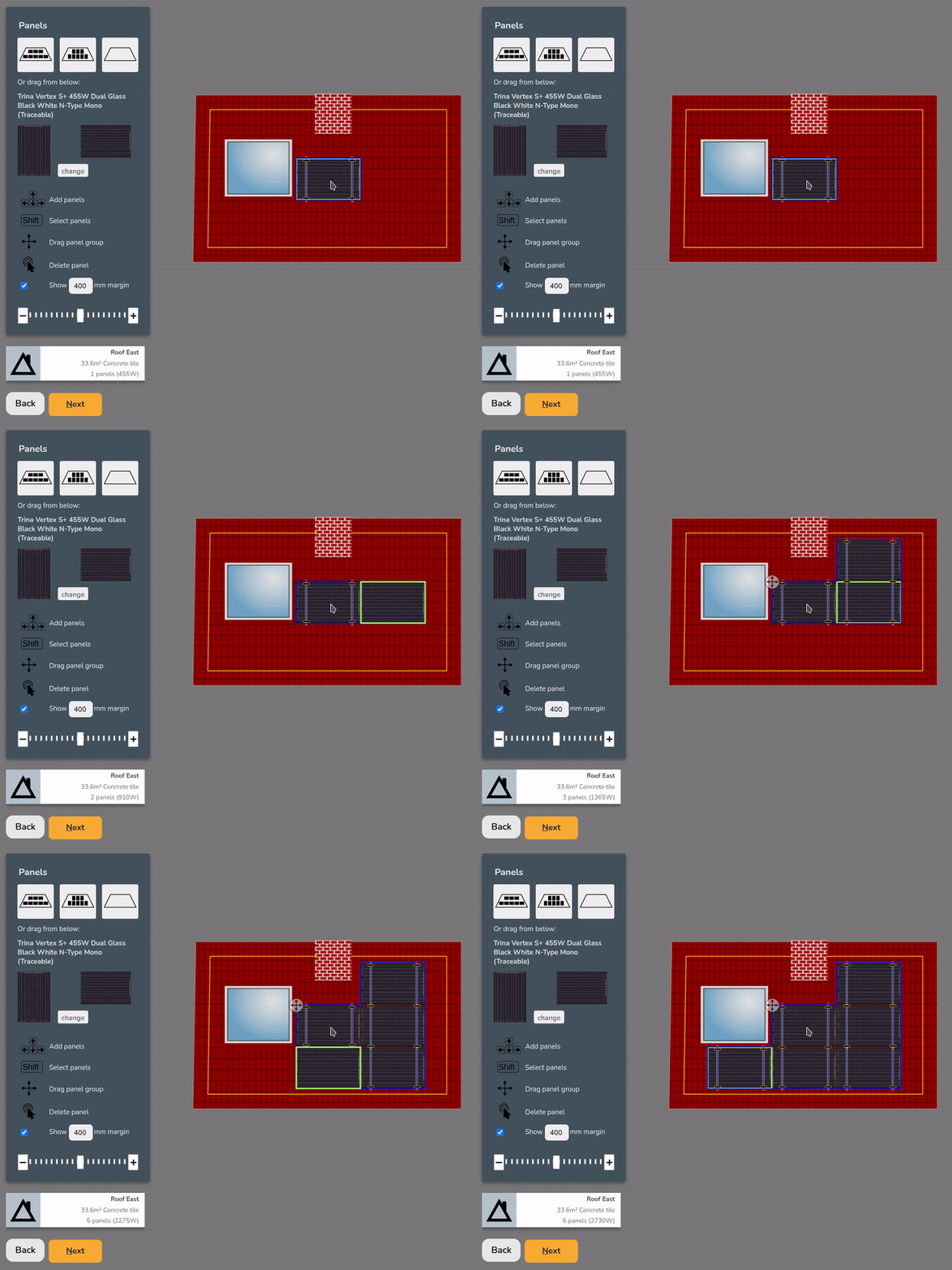
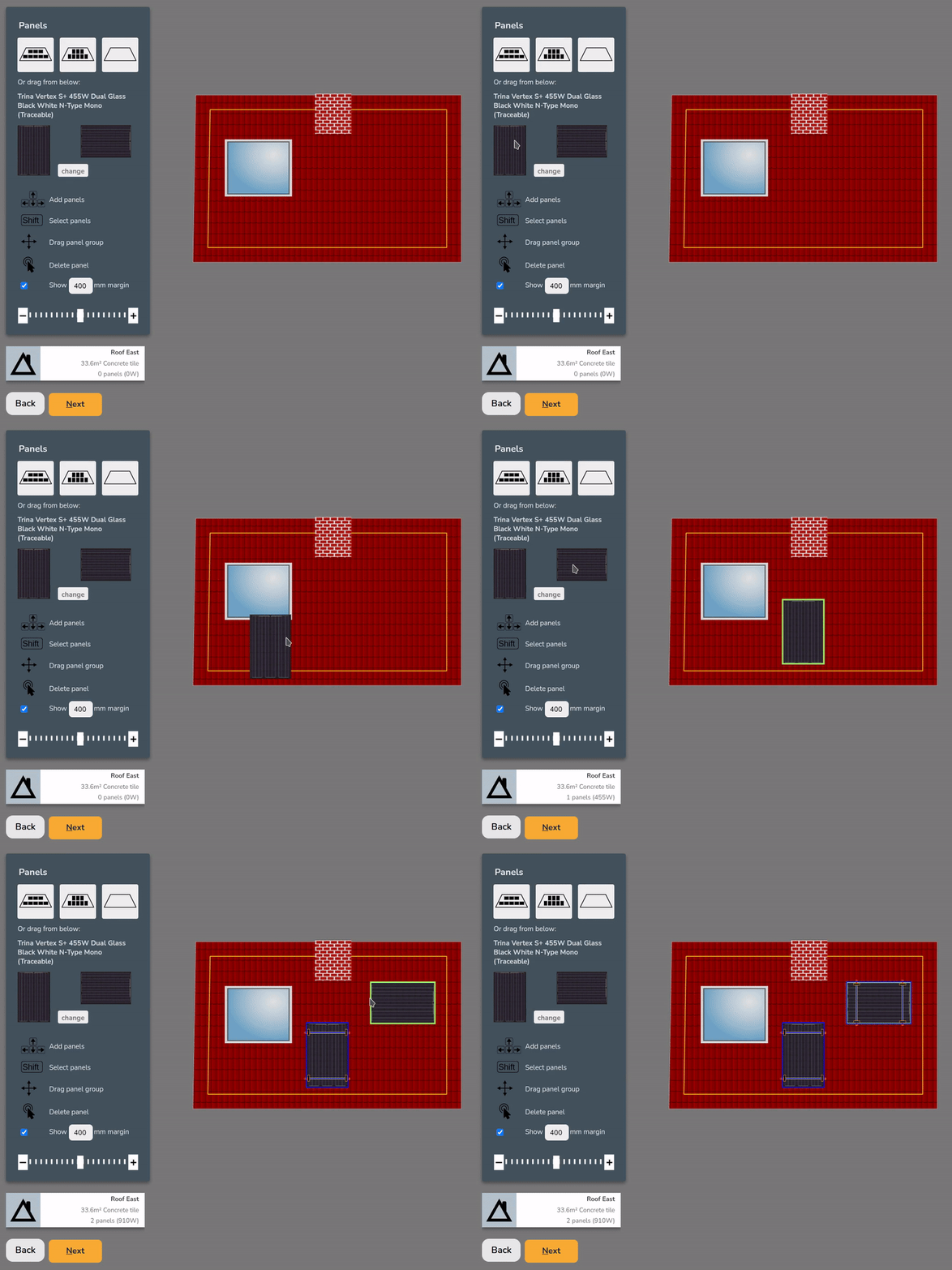
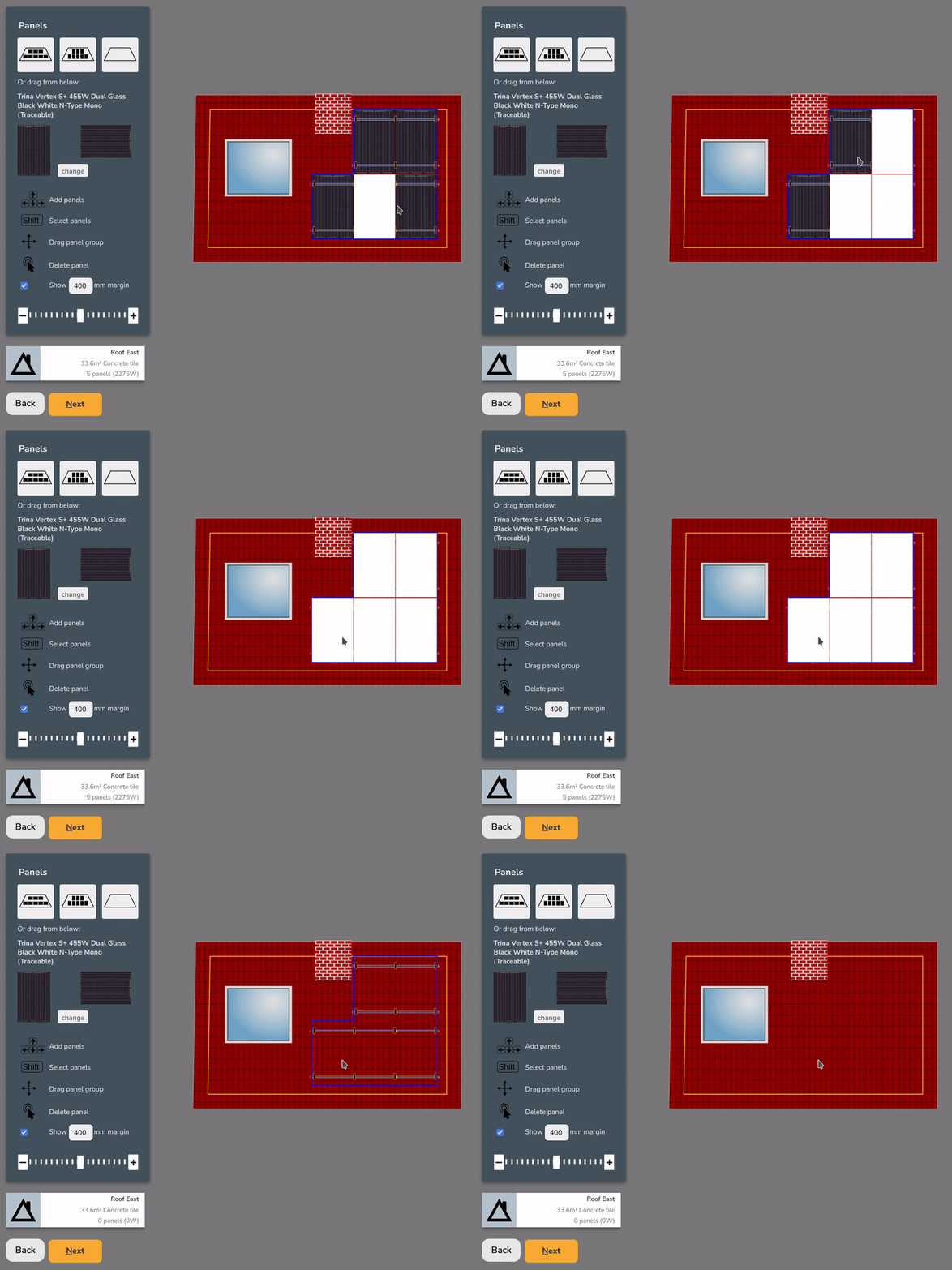
Drag and drop to place panels individually
|
|
|
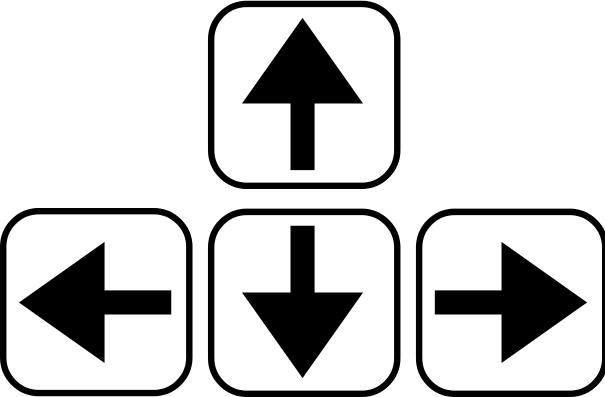
Click on a panel and use the arrow keys to add adjacent panels
|
 |
|
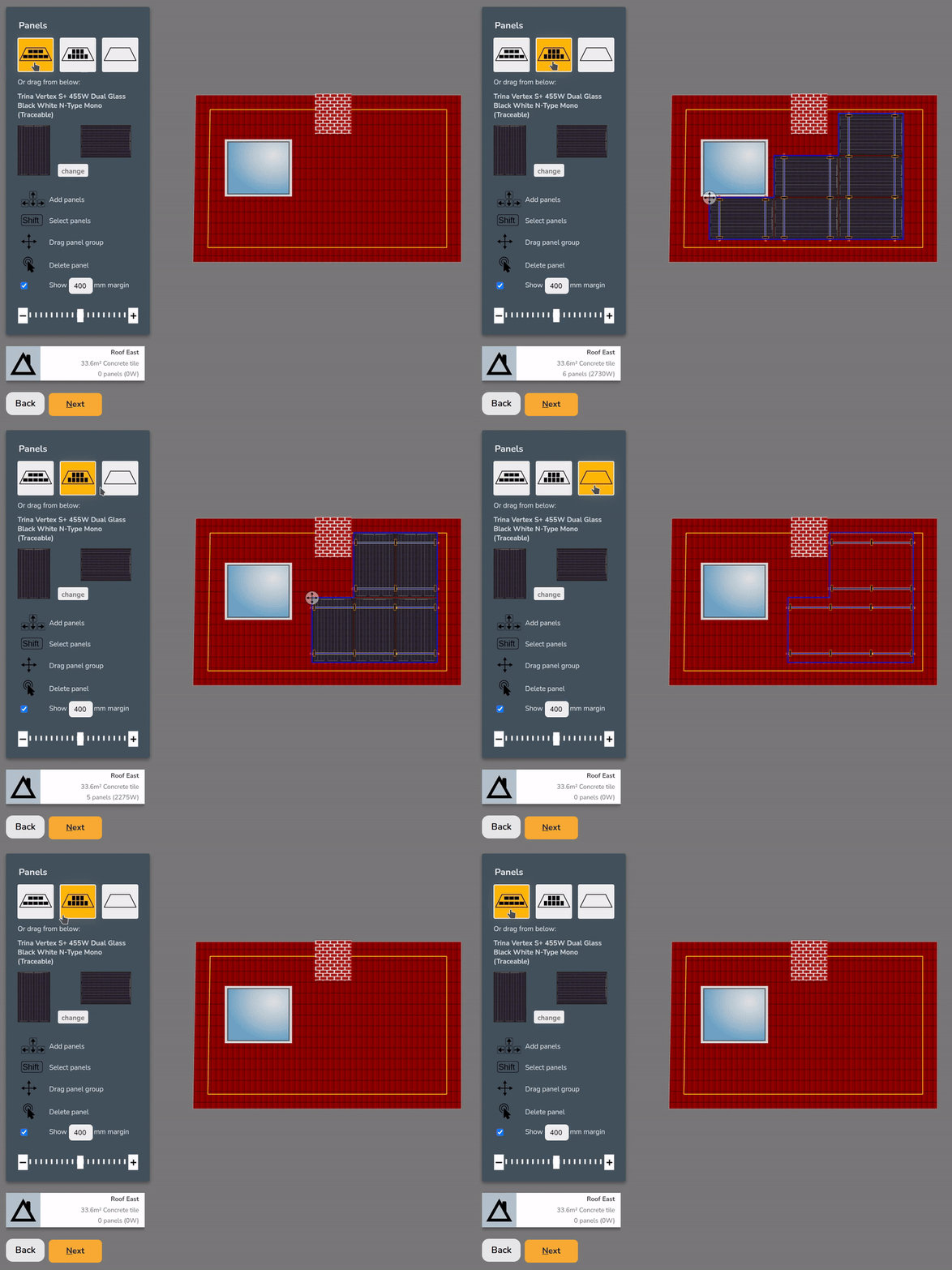
Click
|
 |
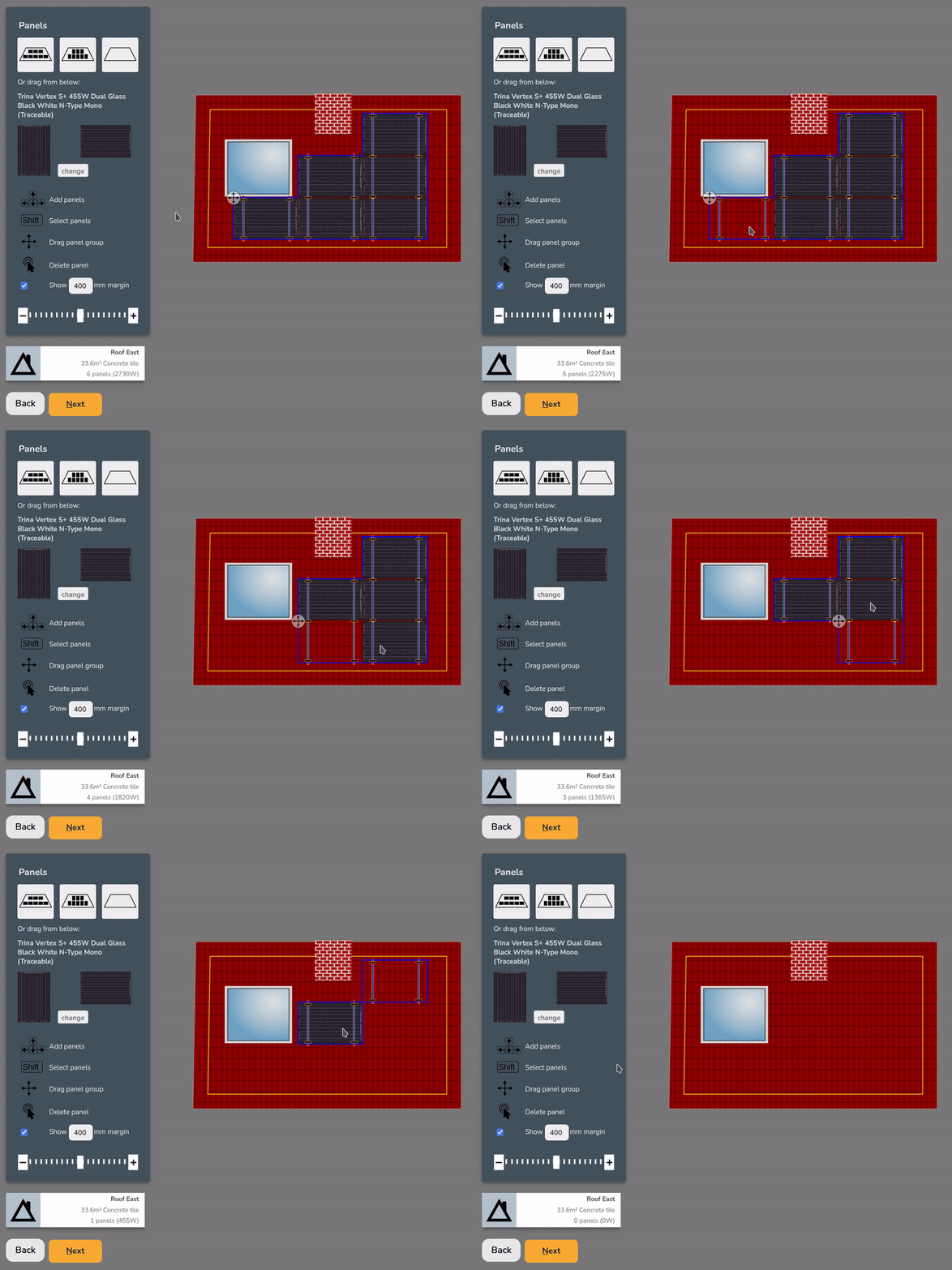
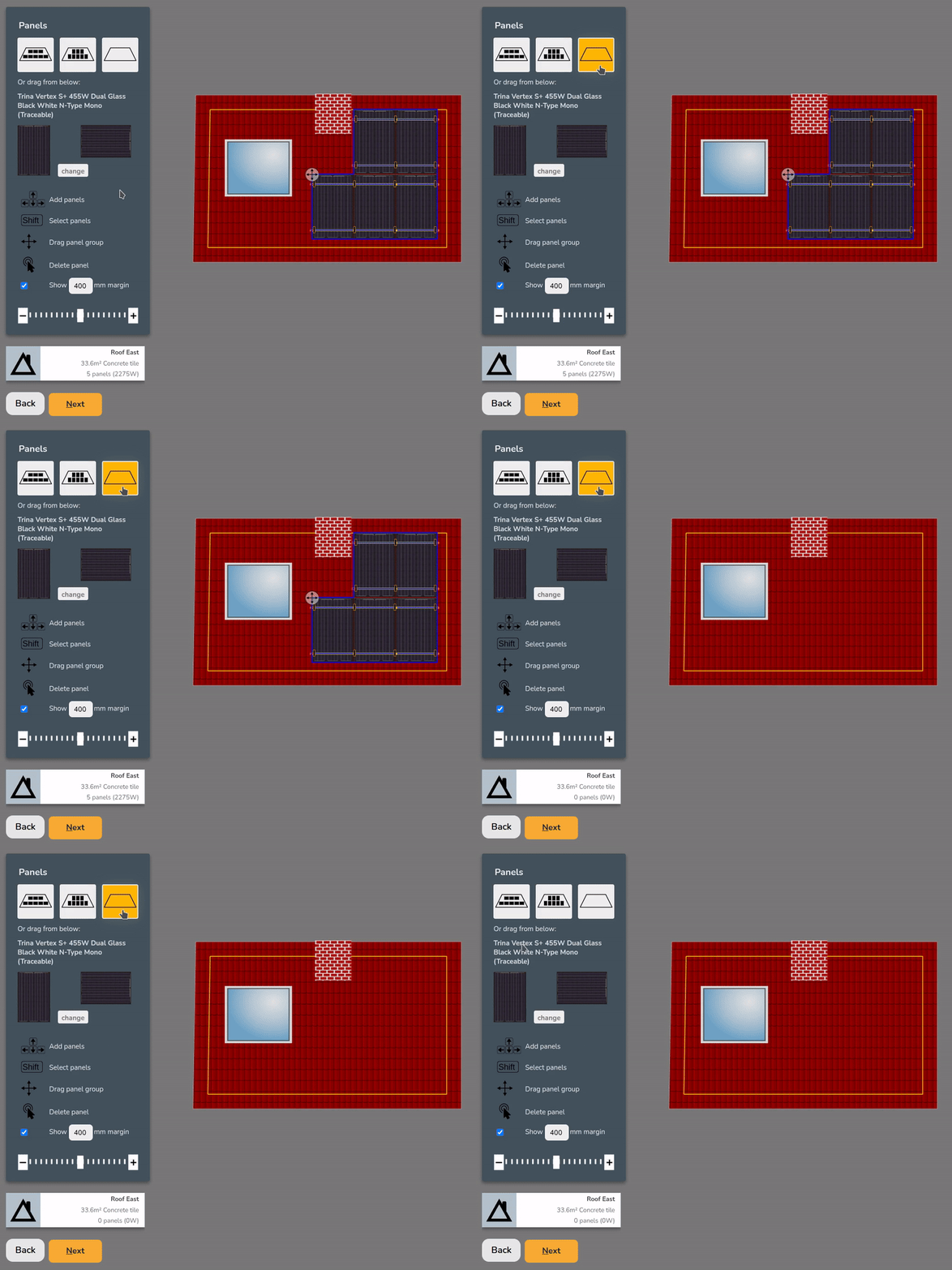
To remove panels you can do the following:
|
Double click to remove an individual panel
|
 |
|
Shift+
|
 |
|
|
 |


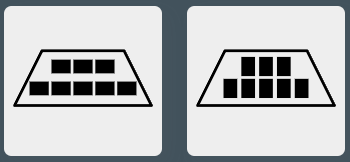
Auto-fill options will avoid obstructions and place as many panels as possible within the chosen mm margin.
Choosing mounting system
Once the roof has panels on it, you can choose from the available mounting options on the right. The mounting options displayed will be compatible with the roof and panel orientation and size.
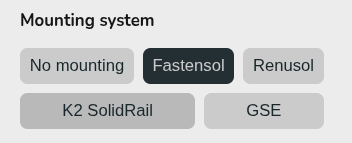
When selected Easy PV will specify the necessary mounting components. Depending on the mounting system, you may also have additional options to configure the specified components (rail colour, preferred hook, bird blocker etc.).
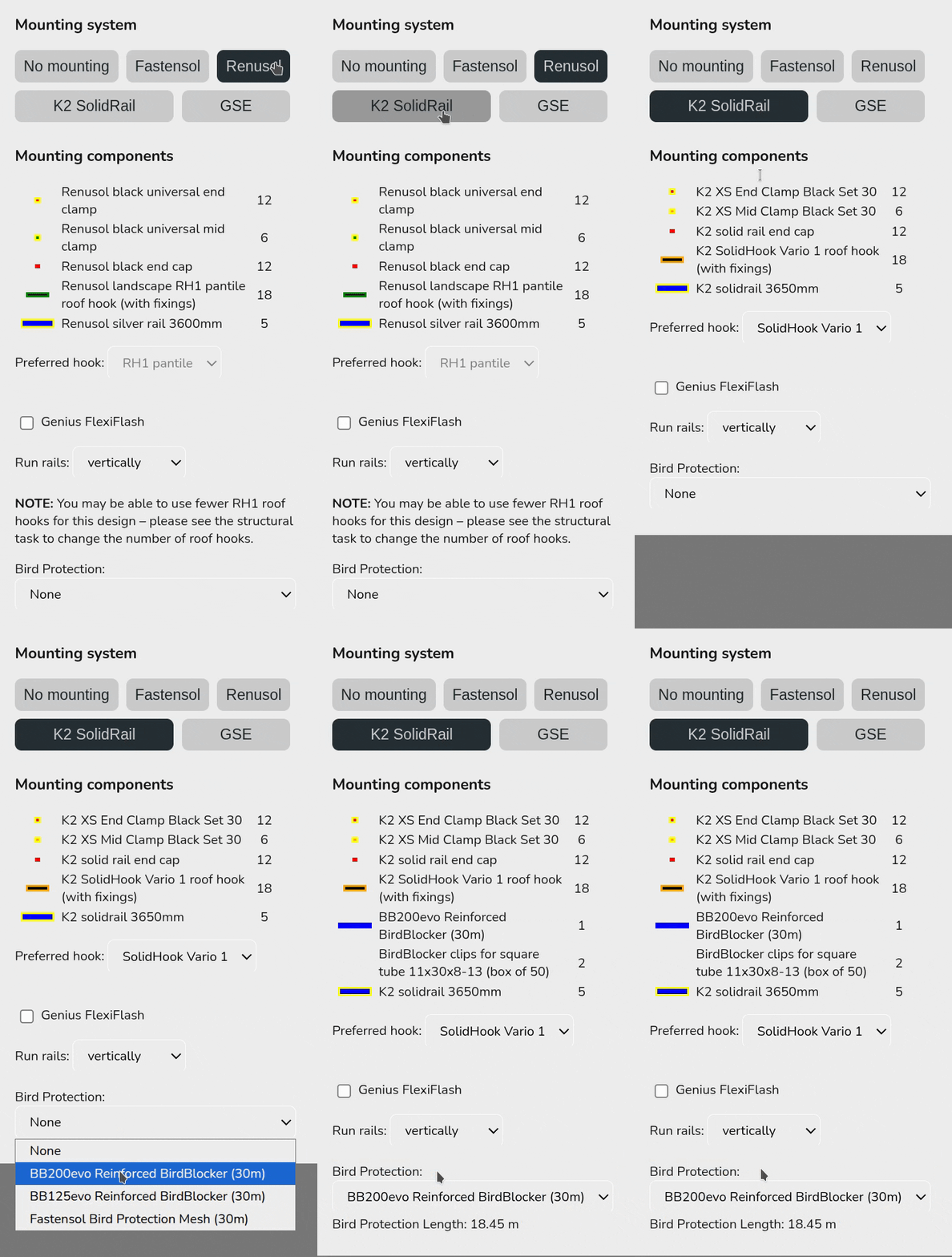
This mounting kit list does not take into account structural considerations. Adjustments needed to the number of hooks are calculated in the structural task (UK only) or otherwise.
If the mounting option you want to use is not available, select no mounting. For flat roofs, you will have additional options to configure the panel layout, including east-west options.