
Introduction to Easy PV Pro
What do I get with Pro?
Intended for solar professionals, our proPro tier unlocks team collaboration and access to features that can save you time and impress your customers with a professional journey through their quote and installation.
What do I get with Pro?
We run weekly free training sessions which cover all the features that you get with pro.Pro. Read more about how Pro can help your team work more efficiently.
Team collaboration
Team management settings let you configure components, pricing, defaults and permissions for all your users. Everyone works from the same setup, which keeps designs, quotes and documents consistent and reduces rework.
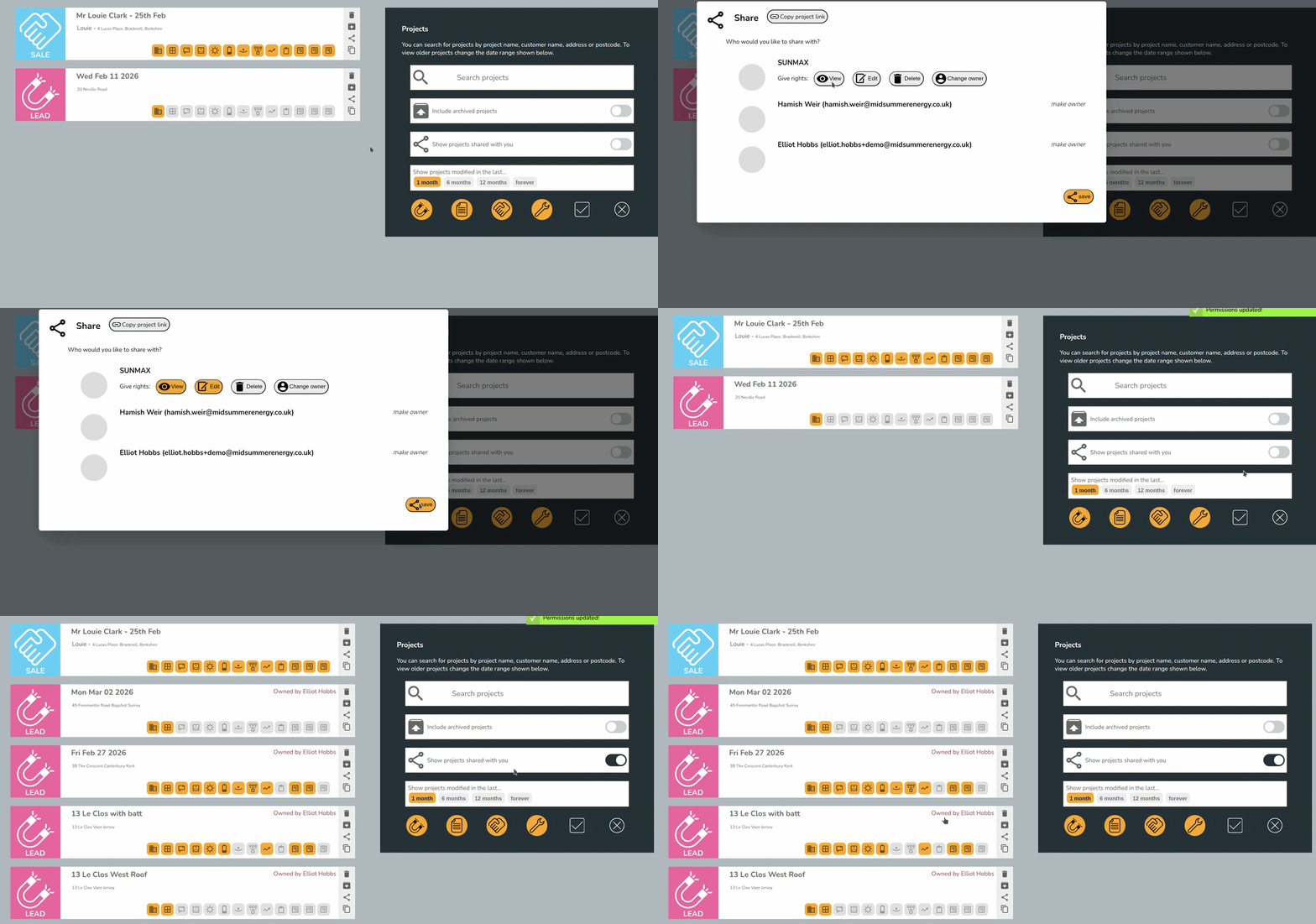
Collaborate on designs with project and component sharing and stay organised with project status tracking so everyone is on the same page.
Integrated survey functionality
Pre-installation survey: Complete a standardised survey directly within the project, ensuring required information and photos are captured consistently and passed cleanly to the design and installation teams.
Installation record: Create a consistent, auditable photographic record of what was installed, how it was configured and site‑specific notes needed for future maintenance or customer support.
Read more about Easy PV's survey functionality.
Professional proposals and document management
Manage additional documents required for the sale, like letters of consent, scaffolding request forms, etc., using project document storage. All project files – surveys, proposals, reports, customer documents – can be stored in one place, with no need for a separate QMS system.
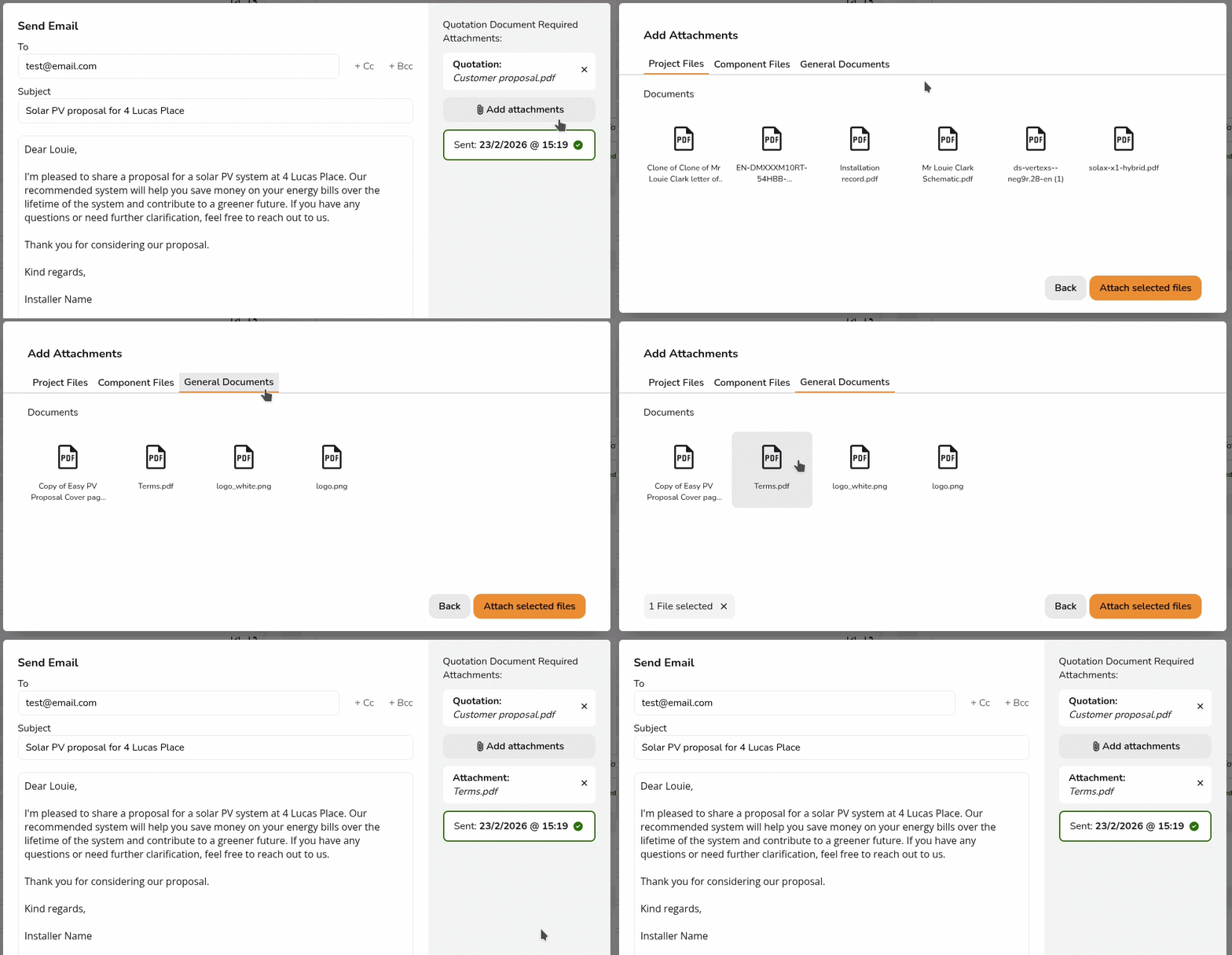
These documents can be attached to emails sent through Easy PV using integrated emailing functionality.
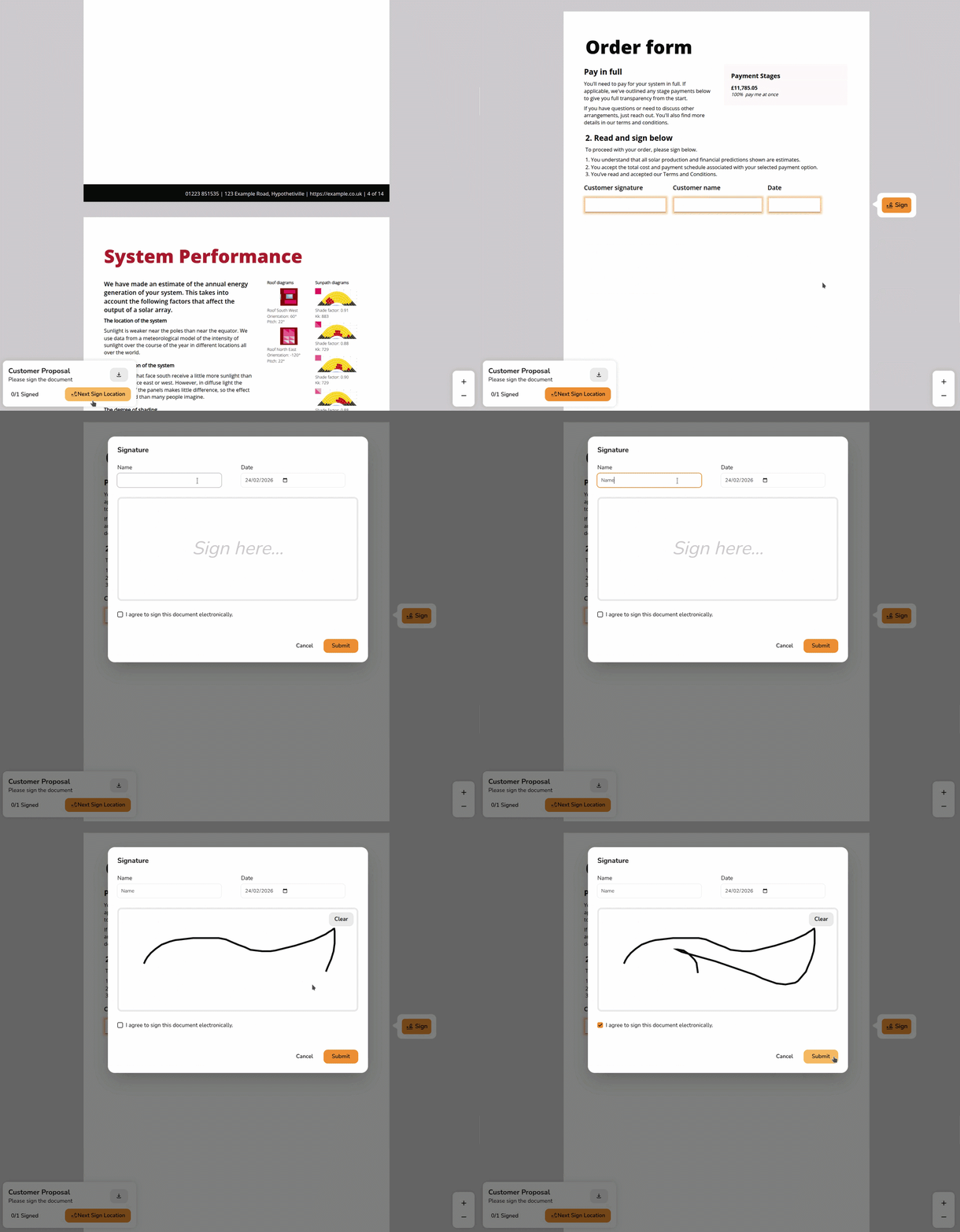
Give your customers a professional experience with a customised customer proposal. Add a cover page, apply your branding and configure cover letters, terms and more so every proposal is consistent. Send this proposal and any other necessary documents for e-signing directly through Easy PV.
Speed up designs from start to finish
Generate and qualify leads with Speedy PV. Speedy PV (a paid add‑on) lets customers design their own system on your website and request a follow-up. Manage leads via Easy PV and convert them to a full project in a single click.
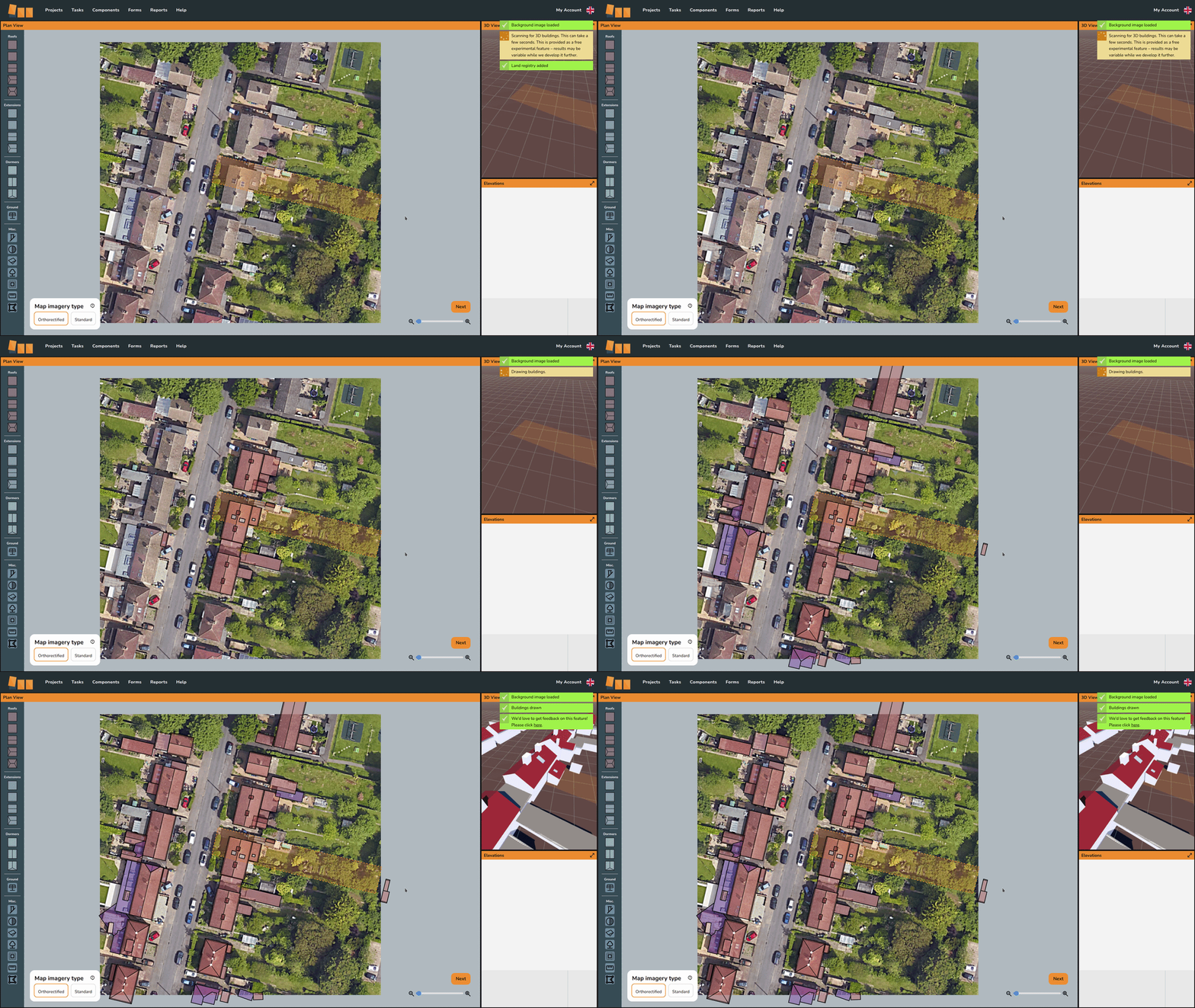
Get unlimited access to Easy PV's magic design mode, one of four design modes available in Easy PV. Magic designs will automatically generate a 3D model based on aerial data, which can then be adjusted for accuracy. Watch the same property be designed using 3D and magic mode to see how this can speed up your designs.
Speed up DNO applications using ENA Connect Direct integration. Project and survey information is pre‑populated to reduce manual entry, cut down on mistakes and help ensure applications are submitted correctly the first time. Track the status of your application via emails from the DNO and in the project overview in your Easy PV project.
Integration with other tools
Connect Easy PV directly with the other systems your business relies on using our open APIs. You can push customer or lead information into Easy PV to create projects automatically and pull project data and documents from Easy PV into your CRM.
Getting started
The cost is £35 / month (plus VAT) per user. Below is a summary of all the features you get with Easy PV pro.
Collaborate as a teamwithproject and component sharingProject status trackingCustomised customer proposalE-signingDocument storage and emailingSurvey and installation recordAdditional forms and reportsConnect Direct APICRM connectionsSpeedy PV(for additional cost)Unlimitedmagic designs
How do I upgrade?
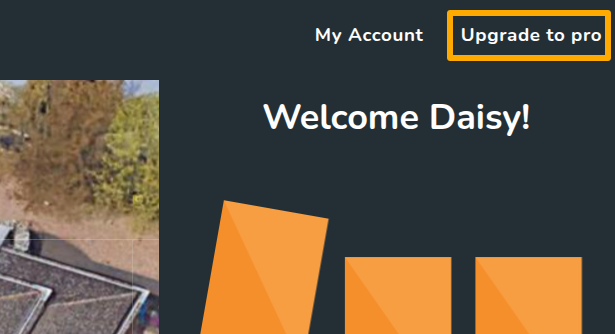
To upgrade to pro, log into the account you would like to be the Owner. In the top right, you will see the option to Upgrade to pro:
Add team members and set theirrole typeConnect to Midsummerso your pricing correctly applies to the teamFillGet inbilling detailsPay via GoCardless instant bank payment
Some banks do not support instant paymentstouch so if you're having trouble setting up the payment, please getinterested in toucha sofree we can do this manually.trial.
Configuring
Get teamstarted settingswith Pro
Onceusing you've upgraded, you should make sure your team settings are correctly configured. You can read about the options you have below:
GeneralSetting up sharing permissionsFinancial settings: includingourautomaticdetailedpricingsetupcalculatorguide.Upload shared documents that can get attached to emailsUpload images used in proposal customisation
If you have further questions about proPro, please attend an online training session, have a look at our pro FAQs or get in touch!