What do I set as the orientation in Quick Roof?
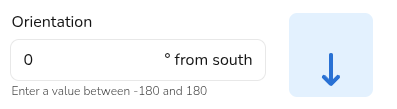
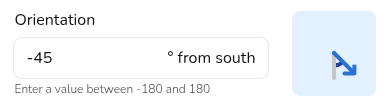
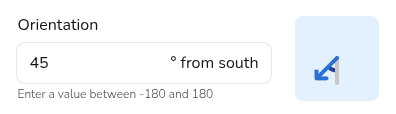
For Quick Roof projects, you have to directly set the orientation. This is done in degrees from south, going clockwise. For example:
For Quick Roof projects, you have to directly set the orientation. This is done in degrees from south, going clockwise. For example: