
Connecting to Midsummer
Connecting your Easy PV and Midsummer account will allow Easy PV to display your correct prices. This means you do not have to make changes to your goods prices in the financial task and you can be confident your jobs are being priced correctly.
Connecting Easy PV and Midsummer
- Navigate to My account > Preferences > Connect to Midsummer
- Click
Connectand you will be redirected to Midsummer to log in. - Once you are logged into the account you'd like to connect, click
Yes, connect these accounts
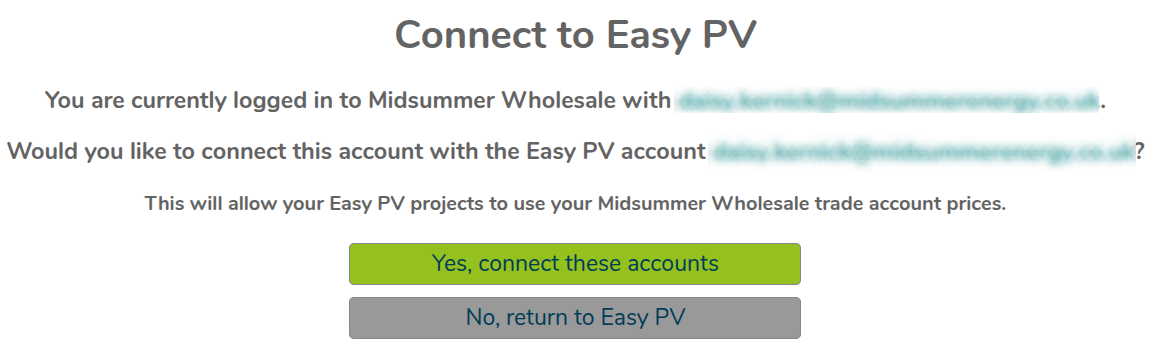
- Then click
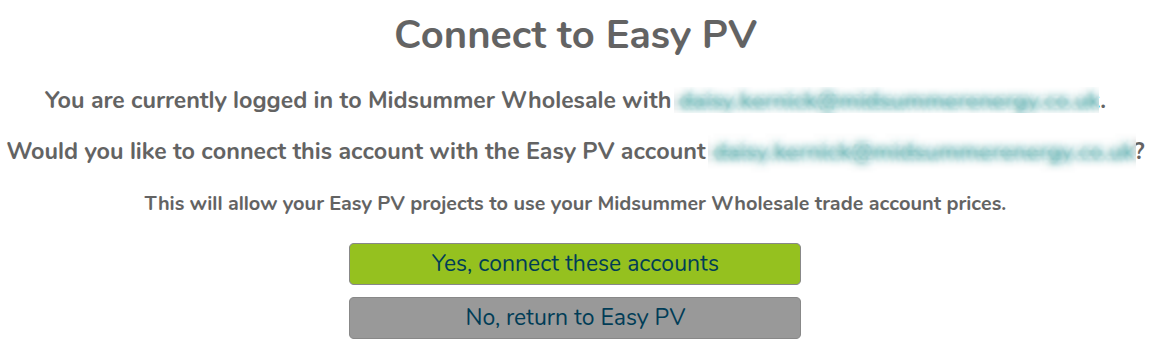
Return to Easy PV

- Your account will then refresh and your wholesale prices will apply

Note: For Easy PV Pro teams, each member will need to connect their wholesale account for discounts to apply consistently.
Want to know more?
- Live training: Get started with Easy PV by booking onto a free online demo session
- FAQs: Take a look at our FAQ page
Contact Support: If you've got further questions, get in touch with our support team at help@easy-pv.co.uk (UK) or help@easy-pv.ie (IE).