
Pro: E-signing
This guide applies to pro versions of Easy PV. Read more about what you gain with pro.
The e-signing functionality makes it quick and easy to get important documents signed by your team or customer.
E-signing a document
In Easy PV you will have the option to send documents for e-signing via email or to e-sign within the document.
Send a document for e-signing byvia email
Navigate to the report you want to send for signing via the Reports drop-down in the main site navigation. Click the send
foricon signing button outlined below.
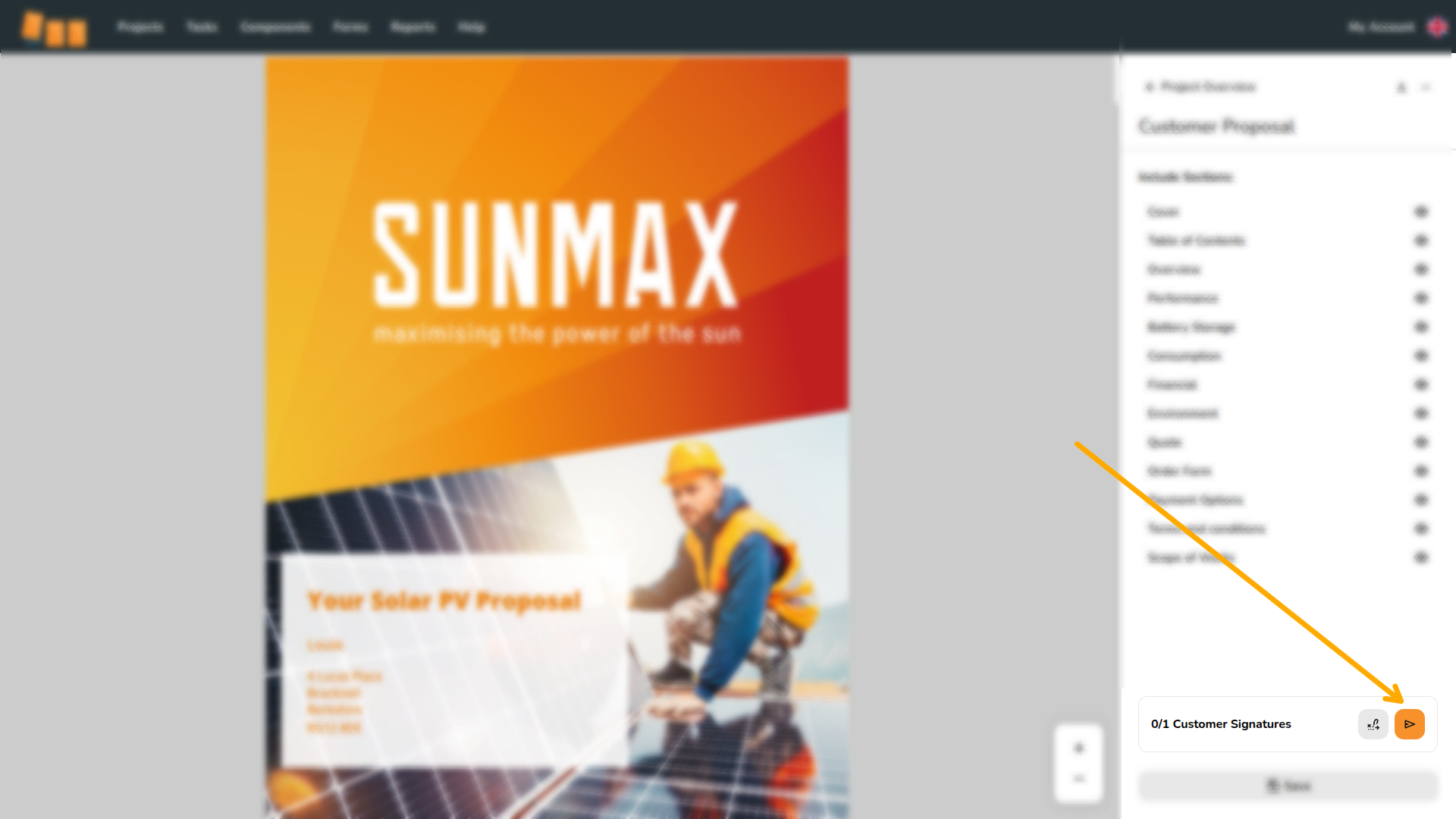
This will open an email menu that contains a link for signing the document. You can can edit the email as required, adding any additional attachments, and then click Send.
The recipient will receive the email which will include a link for them to review and sign the document. Once they have signed the document, you will receive an email notifying you that the document has been signed.
Learn more: Sending emails
E-signing within a document
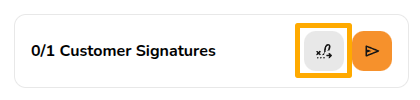
You also have the option to e-sign from within the documents. SelectClick the signature  icon
icon outlined below to navigate directly to the next e-signing location:
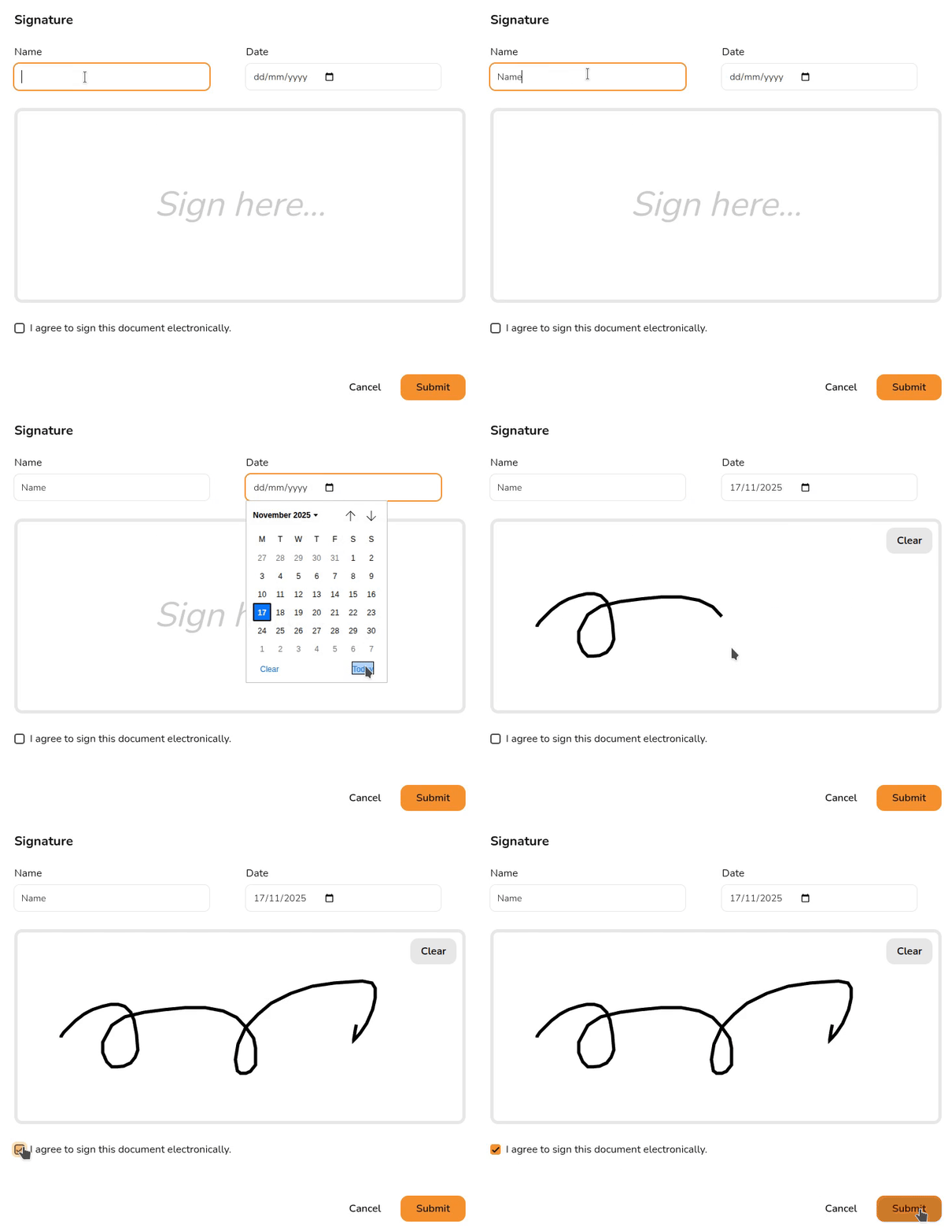
Then click where it says signSign and e-sign the document.
View a signed document
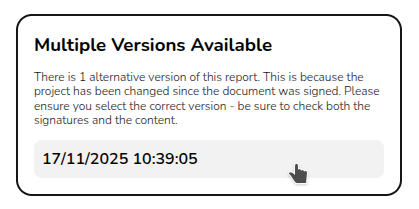
To view the signed version of the document, navigate to the document via the reports drop-down in the main navigation. On the right side bar it will then say say Multiple versions available with a date below it, the signed version of the document can be loaded by selecting the date version you want to view:
Want to know more?
Contact Support: If you've got further questions, get in touch with our support team at help@easy-pv.co.uk (UK) or help@easy-pv.ie (IE). If you are experiencing a bug, to help us look into your issue faster, please include the email address of your account, the name of the project and screenshots of any unexpected behaviour.