
Setting up your company profile
Sign Up
To sign up to the marketplace you will need to complete this very short form to sign up. The terms of use are linked at the bottom of the form.
Pricing Settings
To use the solar marketplace, you must set up automatic pricing rules so that the marketplace can generate estimates for you. If automatic pricing is already set up then nothing needs to be changed here.
If automatic pricing is not already set up then you can follow these steps on our guide.
Setting up kit combinations
To set up the kit combinations you would like to show on the marketplace, you need to go to your Pro Account Settings > Design > Kit Combinations
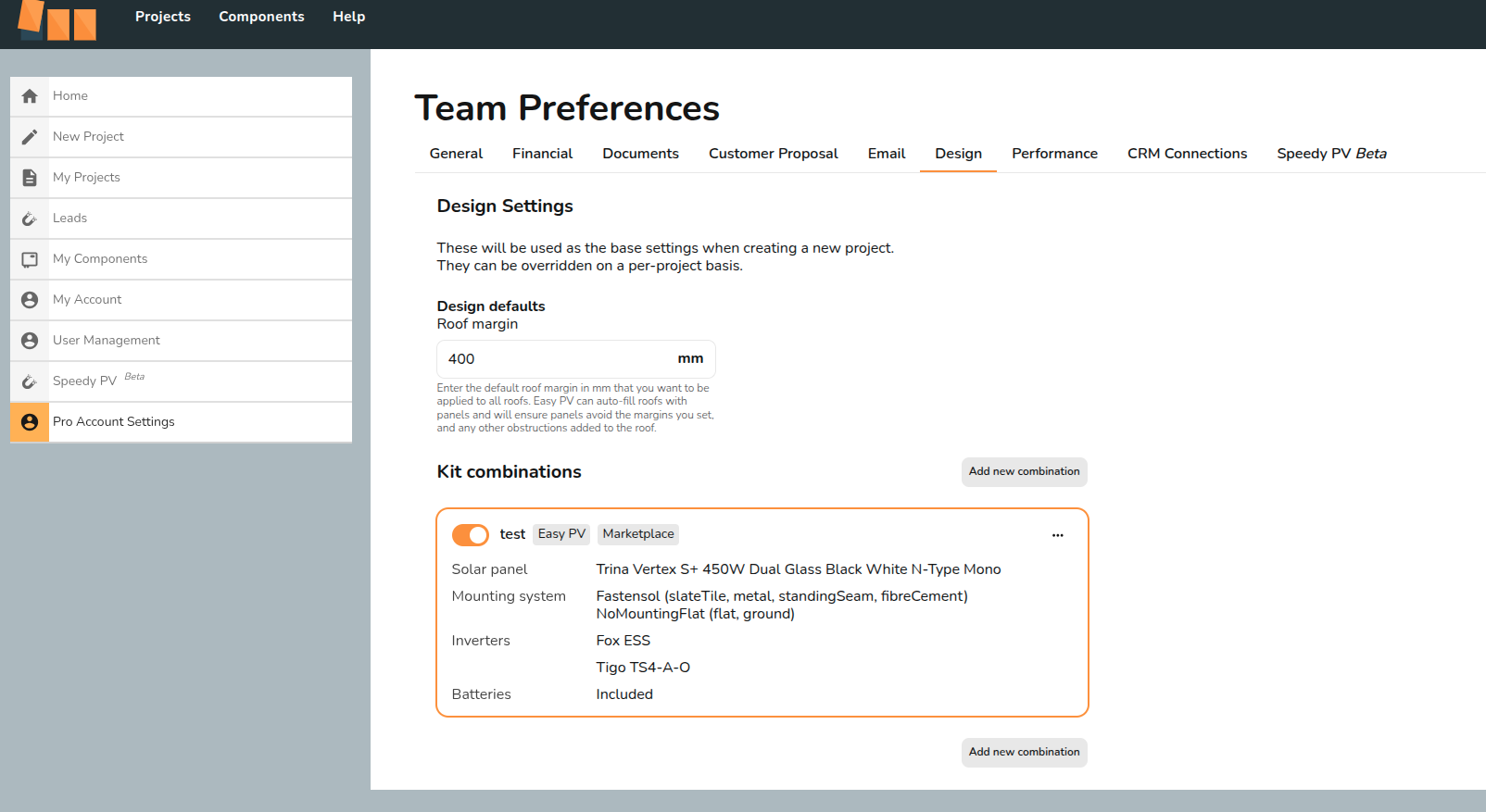
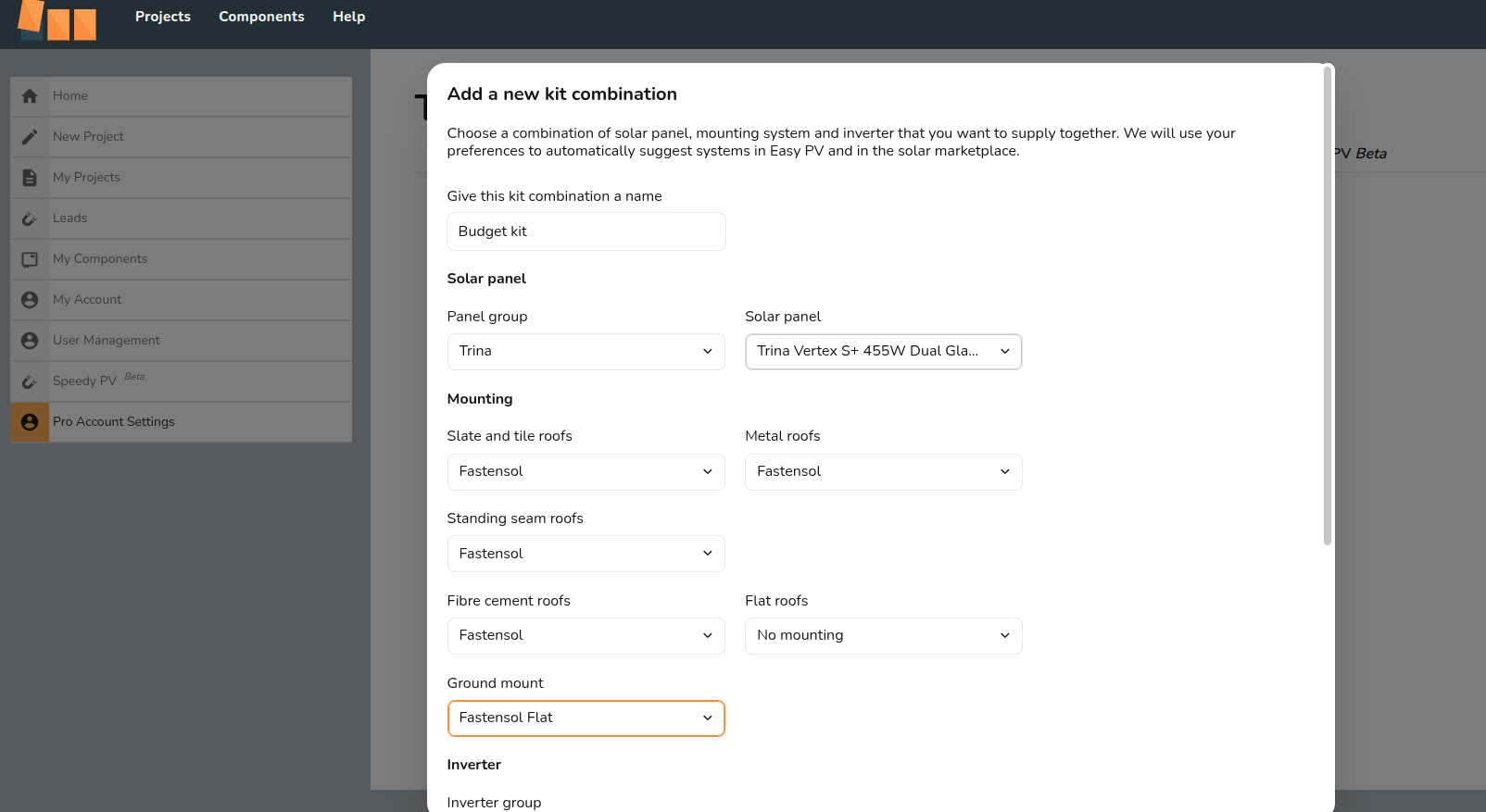
You can create multiple kit combinations. So if you would like to show a more budget friendly kit and a premium kit combination you can.
Make sure to tick the box 'Use in the solar marketplace'

Receiving Leads
After sign up, one of our team will check your details and make sure everything is good to go.
Once you have been accepted, your company details will be uploaded on to the marketplace and you should start to receive leads.
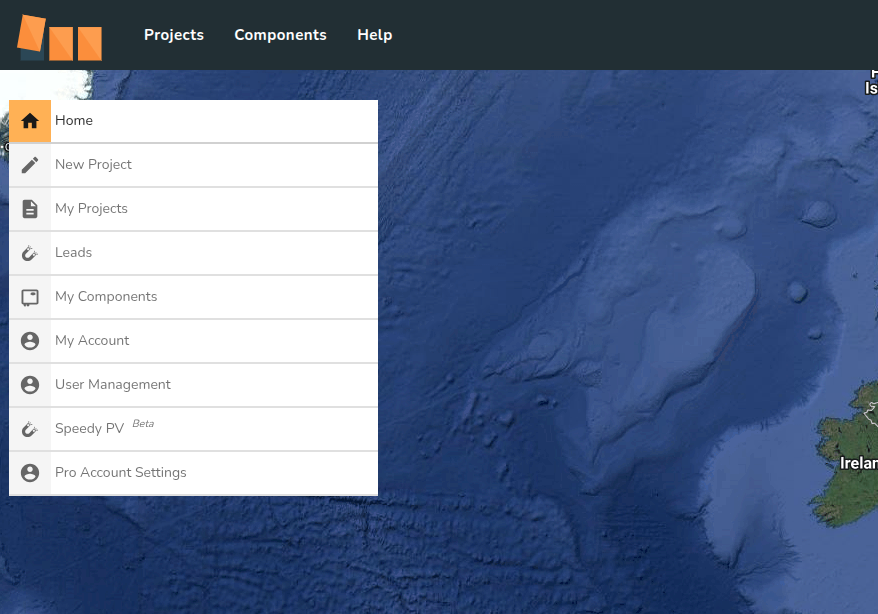
Leads you receive will appear in your Easy PV account, similarly to Speedy PV.
Terms
If you agree to be featured on the site, you are agreeing to paying Midsummer 7.5% of any sales generated from the site, so keep this in mind when setting up the pricing calculator.