
I have added a new inverter in 'My Components', but it won't let me allocate any panels. How do I fix this?
If you're inverter looks like this, it means you haven't added any MPPTs.
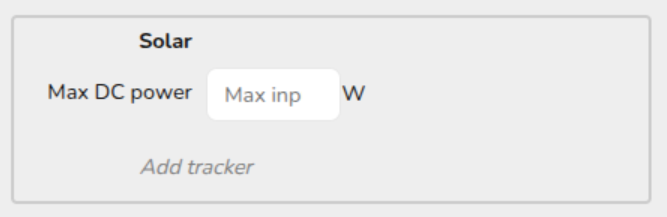
Navigate back to My Components and open the inverter you have added. Under the Solar section make sure you have added trackers, if you have not added them the Solar section will look like this:
Check on the manufacturer’s datasheet to see how many trackers there are for the inverter.
Click the Add tracker option in the solar section on the right and input the relevant information. Once this is filled in you will be able to allocate the panels to theeach input.