
How do I upgrade to Pro?
ClickThe Upgradefirst step is to Promake insure the top right corner, whileyou're logged into the account you would like to be the Owner of the Pro team. This Owner account cannot be changed or removed from the team. Other members of the team are added during the upgrade process.
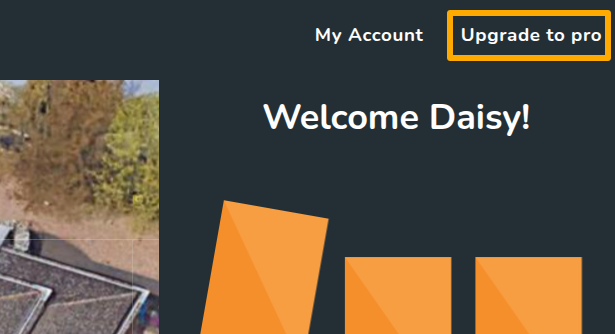
- Click Upgrade to Pro in the top right corner
- Add team members and set their role type
- Connect to Midsummer so your pricing correctly applies to the team
- Fill in billing details
- Pay via GoCardless instant bank payment
Some banks do not support instant payments so if you're having trouble setting up the payment, please get in touch so we can do this manually.