
How do I change my email address?
- Navigate to My Account in the top right and My
detailsdetails. - Under Email type in your new
emailemail.
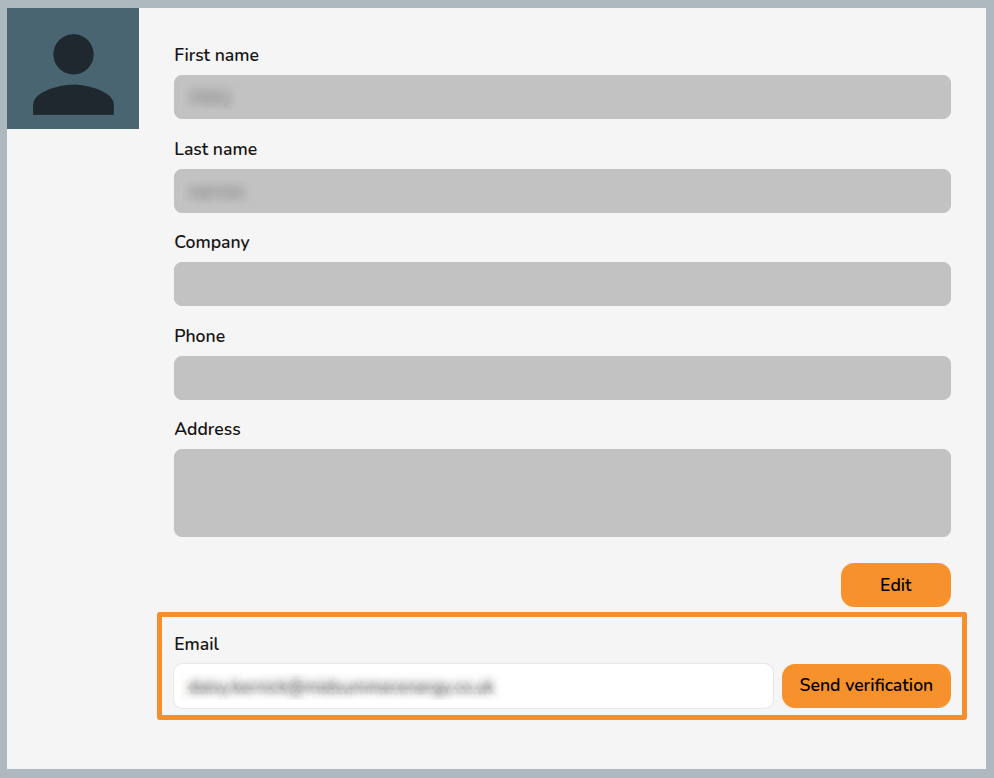
- Click
Sent verification. - If there is not already an account with that email address, the new email address will receive a link to confirm the change. Click the link to confirm the change.
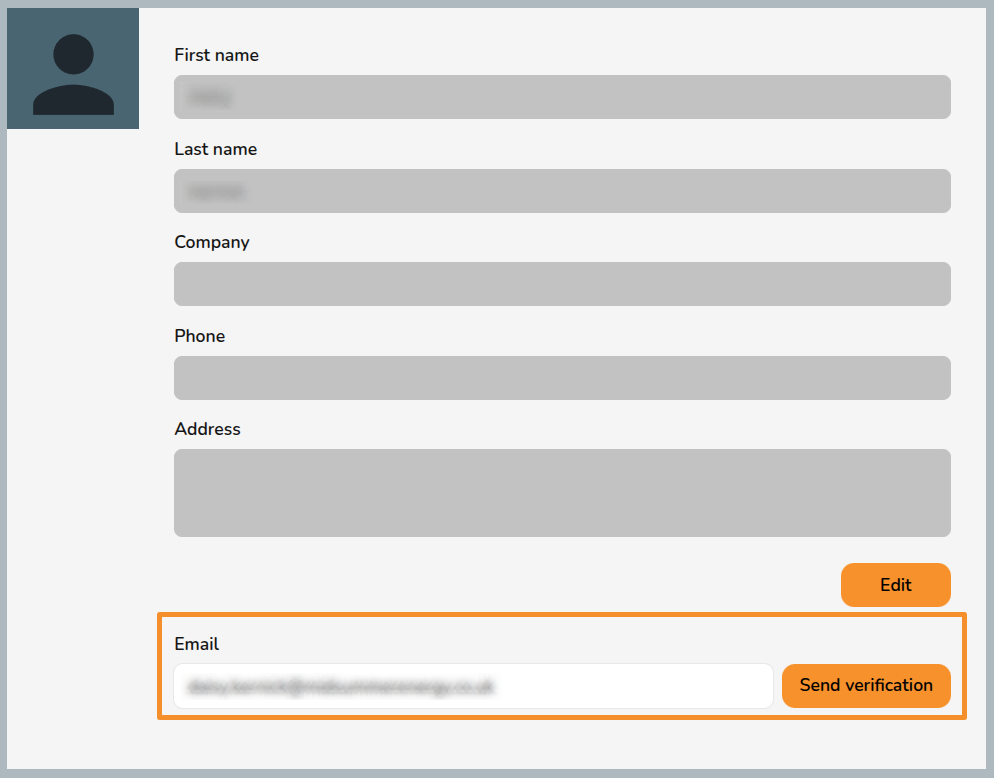
Note: the link will expire after 15 minutes. If you do not click in within that time you will need to generate another verification link.