
How can I share components with other users in my pro team?
- Hover over the Components option in the main site navigation
- Then select the component type to find the component you want to share
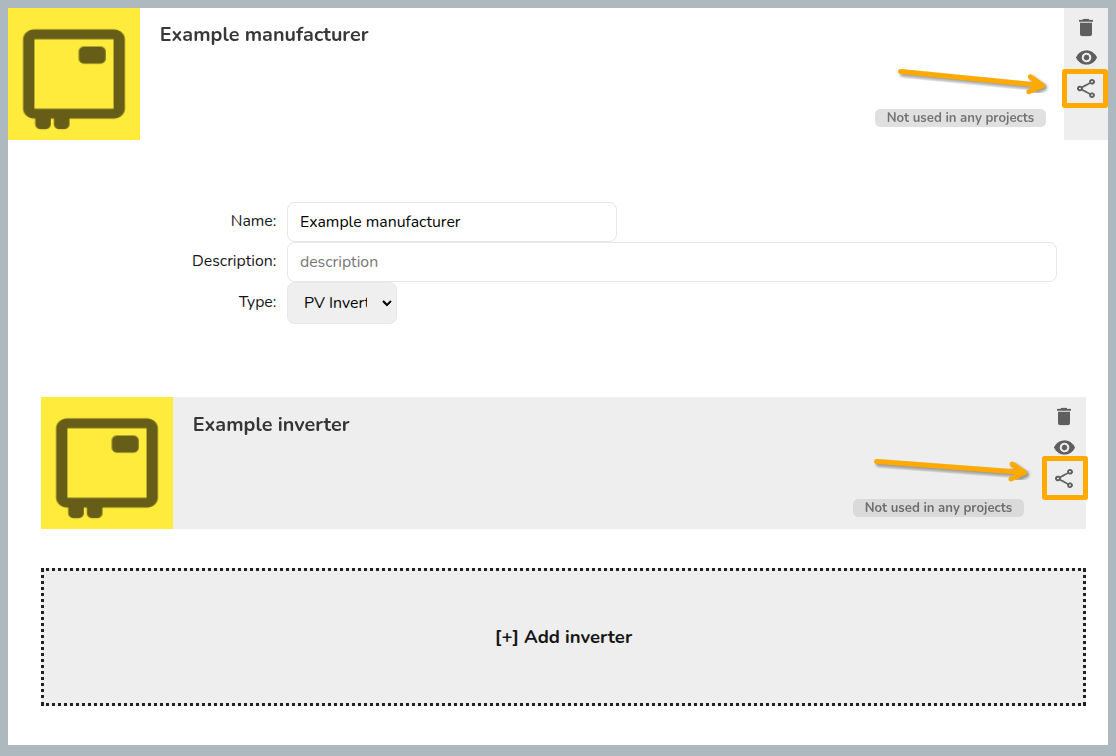
- Click on the share icon to configure sharing for the component.
- Once you've selected the permissions you'd like to give, click save.
For inverters and solar panels, you will need to make sure you save both the manufacturer and the individual components.
Read more about sharing projects and components.