Pro: Online Proposal
easy-pv.co.ukThis guide applies to Easy PV UK.
Online proposals allow you to send your customers an interactive web link instead of (or alongside) a traditional PDF quote. These proposals are fully responsive, meaning they look great and function perfectly whether your customer is viewing them on a desktop computer or scrolling on a mobile phone.
Customising the online proposal
Set a brand colour. Everything else – button labels, headline figures and the dark-mode palette – is worked out from your brand colour.
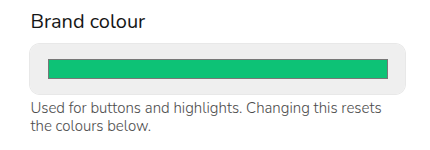
You can then further customise the background, text and highlight colours by clicking the 'Customise further' drop down.
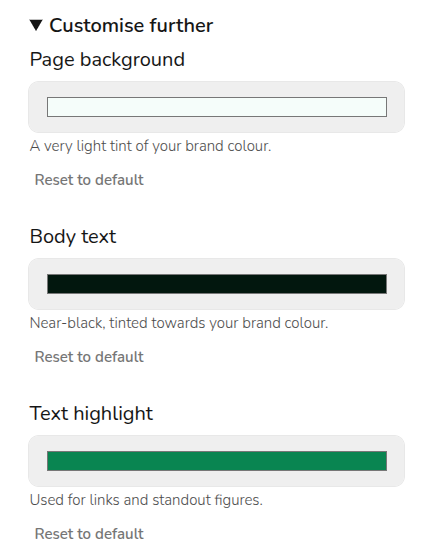
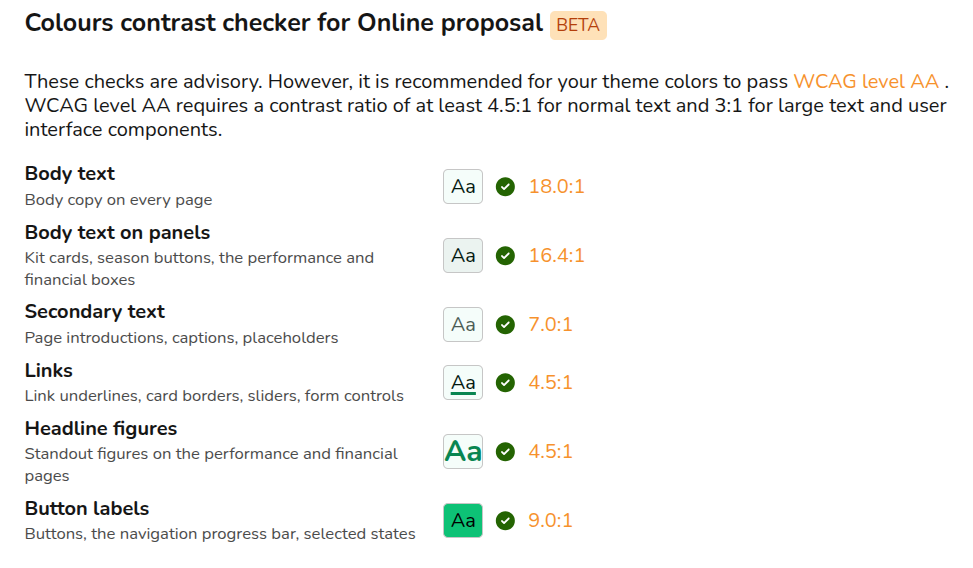
When customising your color palette, your choices are automatically evaluated against the Web Content Accessibility Guidelines (WCAG) Level AA standards. This built-in checker ensures that your text, figures, and navigational elements have sufficient contrast against the background so they can be easily read by everyone, including users with low vision or colour blindness.
Previewing the online proposal
You can preview your online proposal by following these steps:
- Open your Project.
- Navigate to the Customer Proposal task.
- Click View & share Customer Proposal.
- Select Preview online proposal.
Sharing the proposal with your customer
- Open your Project.
- Navigate to the Customer Proposal task.
- Click View & share Customer Proposal.
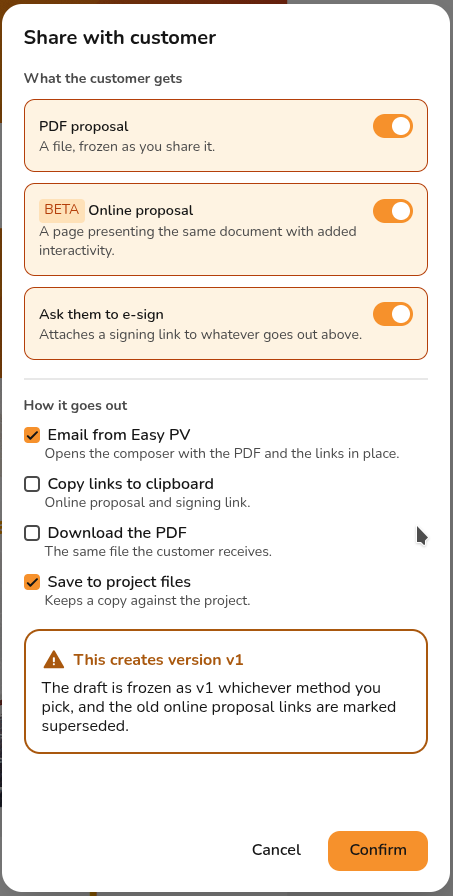
- Select Share with customer.
- Use the orange toggles to select what you want to share with the customer. You can choose any combination of PDF proposal, Online proposal and Ask them to e-sign.
- Use the orange ticks to select how you’d like to share these.
- Click Confirm.
If you have selected the Email from Easy PV option, you will be taken to the Send email page. Please find further guidance here.
If you have selected the Ask them to e-sign option, the proposal(s) will contain a link to sign the document. The customer only needs to sign once.
This feature is currently in Beta and will evolve as we make improvements. We would love to hear your thoughts. Please share your feedback with our support team to help shape these updates!